

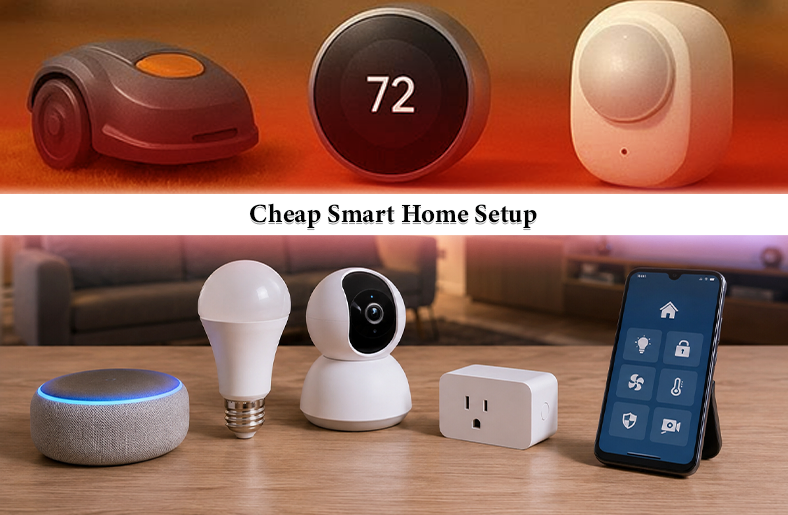
Many homeowners think that setting up a smart home is expensive and complicated. However, things have changed. In 2026, you can develop a cheap smart home setup without worrying about expensive ecosystems or complicated settings.
In this guide, let us walk you through the realistic budget of an affordable smart home setup, which devices to buy first, whether Alexa or Google Home is better, how Matter can be your best friend, and how to build room by room on a budget.
TL;DR
- A functional smart home setup in 2026 can start for under $100. It can expand gradually without major upfront costs.
- Smart plugs, bulbs, and a speaker deliver the biggest impact for the lowest investment.
- Choosing the right ecosystem early helps avoid compatibility and cost issues later.
- The smartest long-term budget strategy is to combine Matter-compatible devices with free tiers offered by reputable budget brands.
What Does a “Cheap Smart Home Setup” Actually Cost?
The first thing you should know about a cheap smart home setup is that it does not require professional installation. The system is plug-and-play, meaning you plug the device in, download an app, spend a few minutes setting it up, and it starts working.
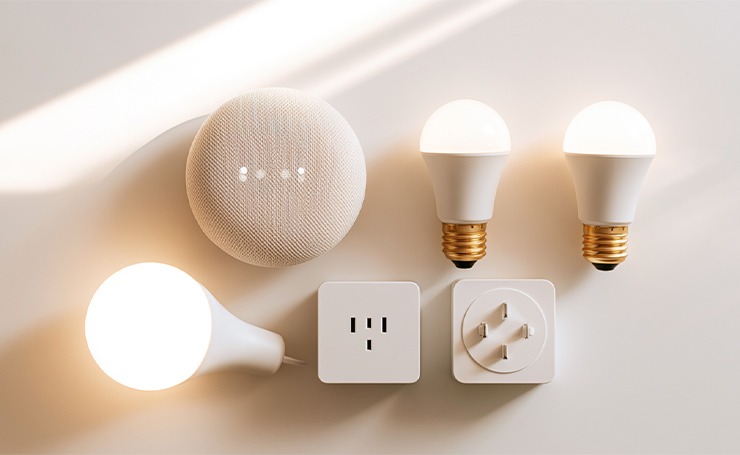
Here is what your budget looks like across three tiers.
- The One-Room Starter: This setup will be under $100. You can automate one or two rooms with basic voice and plug control. You can install a smart speaker, two smart bulbs, and a smart plug. This setup is great for understanding how everything works and expanding gradually.
- The Solid Beginner Setup: It will cost you around $100 to $300. This is ideal for a lot of homeowners because it can cover lighting in the main living areas and a video doorbell or a basic securit camera. You can also add a smart thermostat, which actually saves you money on utility bills every month.
- Near-Complete Home Coverage: This tier can be around $300 to $500. It includes using quality budget brands like Wyze, TP-Link Kasa, and Amazon’s devices to cover most of the rooms in a standard house.
One thing you should remember is that skipping subscriptions keeps your ongoing costs near zero. The brands Wyze, Blink, and TP-Link Kasa offer free tiers as well. In this way, you are not locked into a recurring payment system just to turn your room’s lights on.
The 5 Budget Devices to Buy First
The following 5 devices make a noticeable difference in your daily life. The best part is that they cost far less than most people expect.
Smart Plugs
The smart plug is an underrated yet valuable component in an affordable smart home setup. It is a small adapter that fits into any standard wall outlet. Its purpose is to provide Wi-Fi control over whatever you plug into it, such as a fan, a lamp, a coffee maker, or a space heater.
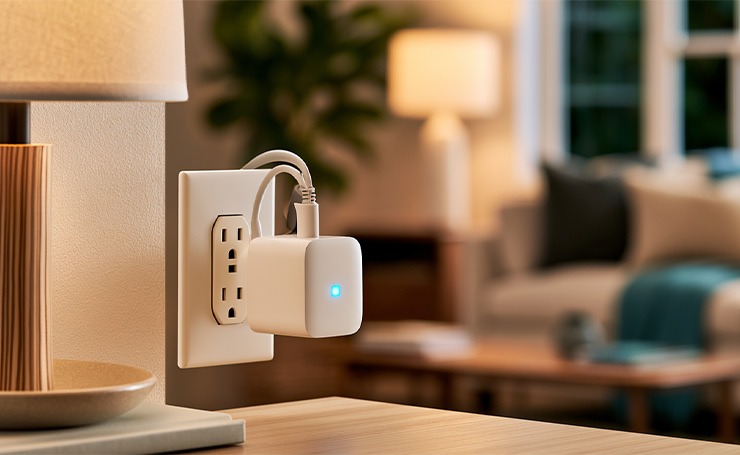
Using a smart plug, you can easily turn your devices on and off remotely from your phone. It allows you to set schedules for your devices and monitor how much energy each of them is using.
Best Budget Picks: TP-Link Kasa125M (around $15), Amazon Smart Plug (around $25)
Smart Bulbs
Smart bulbs can fit into any standard light socket. There is no need for rewiring, a new fixture, or an electrician. After installing and connecting it to your Wi-Fi, you can control it from your phone or by voice. You can change their color temperature from warm to cool white, dim them, and even schedule them to brighten in the morning like a natural sunrise gradually.

Best Budget Picks: TP-Link Kasa smart bulbs, Sengled smart bulbs (both available in multi-packs for under $40)
A Budget Smart Speaker
A smart speaker acts like the brain of your affordable automated home setup. It functions even on voice commands, which means you just have to say out loud, “turn off the lights,” instead of opening your phone. It connects all other devices under one voice-controlled interface.
Best Budget Picks: Amazon Echo Pop (around $35), Google Nest Mini ($50)
A Smart Thermostat
The smart thermostat actively pays you back. It learns the schedule you set and automatically adjusts the temperature when you are asleep, away from home, or back in the evening. It effectively reduces your heating and cooling bills without requiring any action on your part after the initial setup.
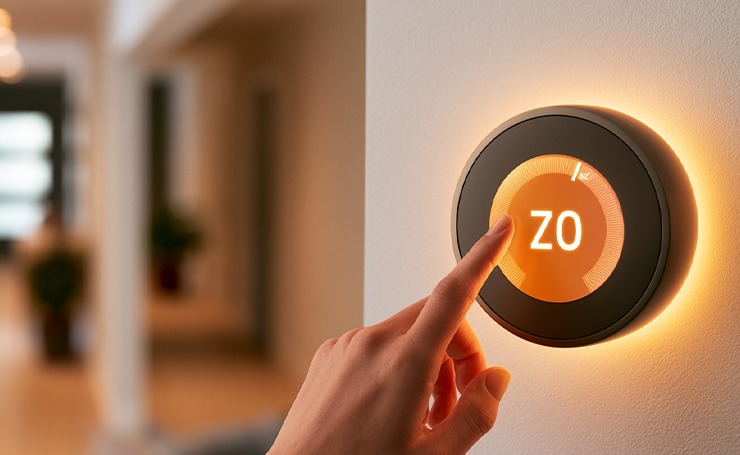
An average US household saves between $130 to $150 every year after installing a smart thermostat. Installation is also DIY-friendly. All you need is a screwdriver to replace a standard thermostat with a smart one. However, before installing, check if your HVAC system has a C-wire (common wire). Most US homes do. If you don’t have it, the Amazon Smart Thermostat comes with a C-wire adapter, making it a safe choice for beginners.
Best Budget Picks: Google Nest Thermostat (around $130), Amazon Smart Thermostat (around $60)
A Video Doorbell or Budget Security Camera
Home security is often where the smart home budget gets disrupted. Factors like professional monitoring, expensive camera systems, and cloud subscriptions add up quickly. But when it comes to cost-effective smart home security, none of it is necessary.
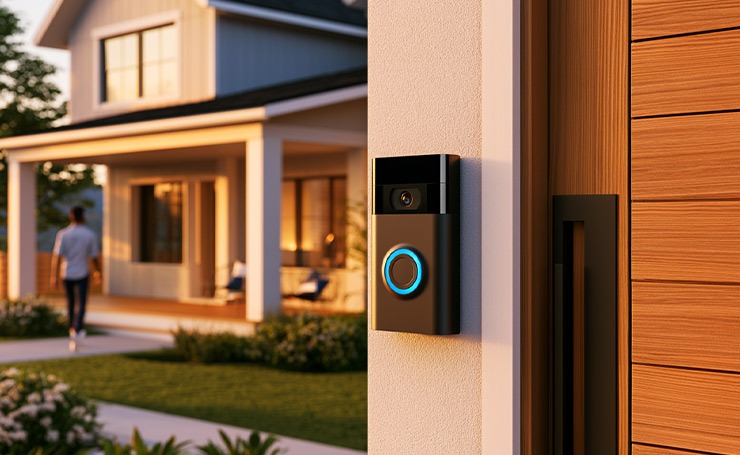
You can install a video doorbell on your front door, securing the most important point of your house. You can see who is at the door, speak to them through two-way audio, and get motion alerts on your phone, whether you are inside your house or across the country. You can also choose a budget security camera to monitor your surroundings.
Best Budget Picks: Wyze Cam v4 (around $35) for indoor or outdoor monitoring, Blink Video Doorbell (around $50) for the front door.
Alexa or Google Home: Which Costs Less to Build Around?
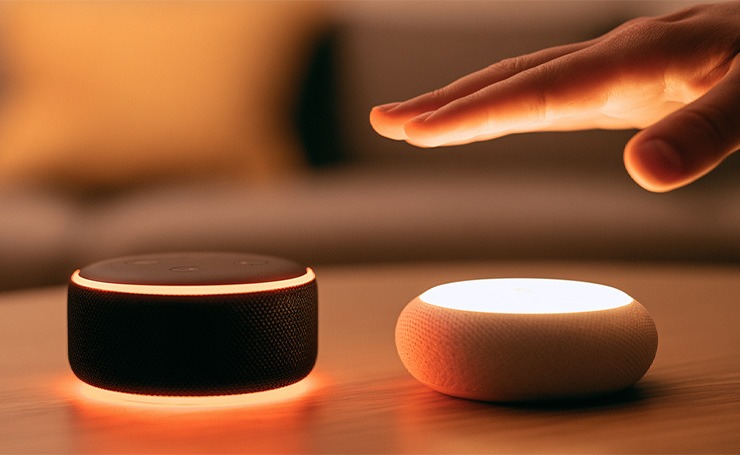
The most important budget decision you will make is choosing the right ecosystem. It is a platform that connects and controls all your smart devices. Your ecosystem determines which devices work seamlessly with your setup, and some devices are significantly cheaper in one ecosystem than the other.
Amazon Alexa
It has the lowest entry cost among major ecosystems. An Echo Pop starts at $35, and Amazon keeps giving discounts on Prime Day and Black Friday.
Alexa is also compatible with a broad range of third-party budget devices from most budget smart home brands, including Wyze, Govee, and Sengled. Alexa is the practical choice for most beginners.
Google Home
Google Home enters a slightly higher price point with Nest Mini at around $50. However, it offers tighter integration with Google services, including Calendar, Search, and Maps. It also has better natural language understanding. Google’s device selection is also almost as wide as Alexa’s, and prices are also similar.

Apple HomeKit
When searching for smart home devices, many people go for Apple HomeKit. However, it is better to skip it for a cheap smart home setup. Device compatibility is narrower, and entry costs are higher. Moreover, the ecosystem is designed around Apple hardware, which you might not already own.
For most beginners, Alexa is the best bet, particularly for those looking for affordable options. Google is great if you already use its ecosystem in your daily life. Both of these support Matter, which means that mixing them or switching is easier.
Matter: Why It’s the Budget Buyer’s Best Friend
Matter is a universal smart home standard. It lets devices from different brands communicate with each other directly. Without Matter, a Wyze smart bulb might not work with Google Home. Or a TP-Link plug might require a separate app, as it couldn’t integrate with Alexa.
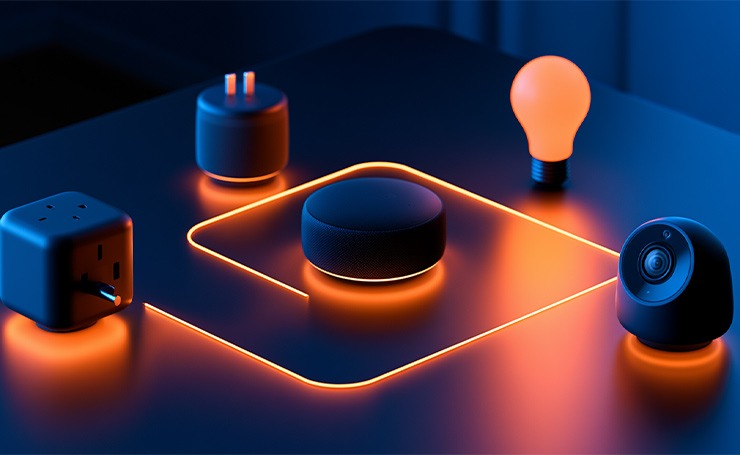
A Matter-compatible device works with Amazon Alexa, Apple HomeKit, and Google Home simultaneously. You can connect IKEA bulbs, Wyze cameras, and Amazon speakers in the same setup without any problem. This collaboration also makes home automation affordable.
Matter also simplifies smart home setup and installation. Many Matter-compatible devices connect easily to your home Wi-Fi without a separate hub or bridge. It removes one more cost for you.
When you are shopping for smart home devices, look for Matter compatibility. These devices are budget-friendly and also a future-proof setup. It means that an affordable Matter-compatible device you get today will work when you upgrade the ecosystem in three years.
How a Cheap Smart Home Setup Cuts Your Energy Bills
A well-built, cheap smart home system reduces what you spend on energy every month. It can often offset the initial costs within a year.
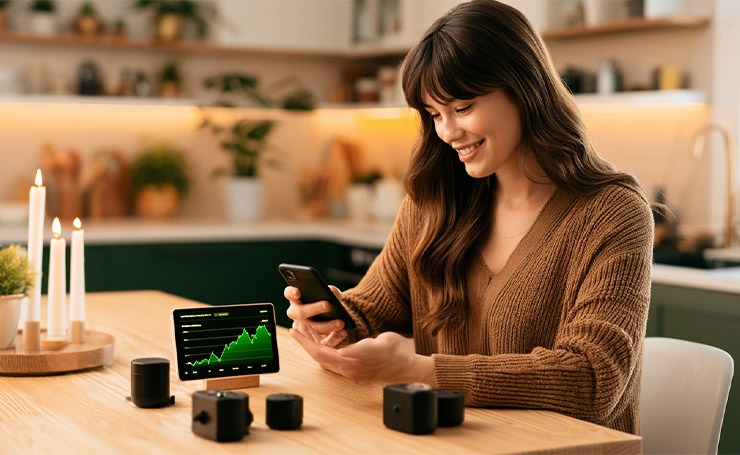
- Smart thermostats are the biggest single contributor to energy savings. According to the US Department of Energy (DOE), adjusting your thermostat by 7 to 10 degrees for approximately 8 hours a day can save almost 10% on annual heating and cooling costs.
- Smart plugs eliminate the risk of vampire power drain, which is the continuous electricity draw from devices left in standby mode. Scheduling these devices to cut power during sleep hours brings that cost close to zero.
- Smart bulbs are basically a combination of efficient LEDs and scheduling. Lights can automatically turn off when the room is empty or dim at sunset. It stops the quiet waste of lights left on overnight.
Building Your Setup Room by Room on a Budget
Some beginners make this expensive mistake of buying every device at once. To control spending, the best approach is a room-by-room setting.
Living Room (approx $60–$80)
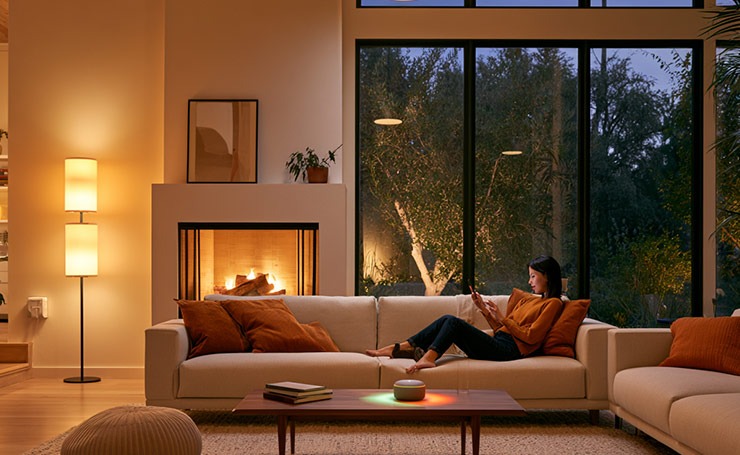
Start with automating your living room. Buy one smart plug for your main lamp or TV power strip and two smart bulbs for overhead or accent lighting. You can also put a budget smart speaker here to make it the central voice controller for the whole house.
Bedroom (approx $30–$50)
Here you can add two smart bulbs and one smart plug for a fan or a bedside lamp. You can also set a routine. For instance, the lights start dimming at 10 PM and gradually brighten at 7 AM. This schedule can easily replace your jarring alarm.
Front Door and Entryway (approx $50–$100)
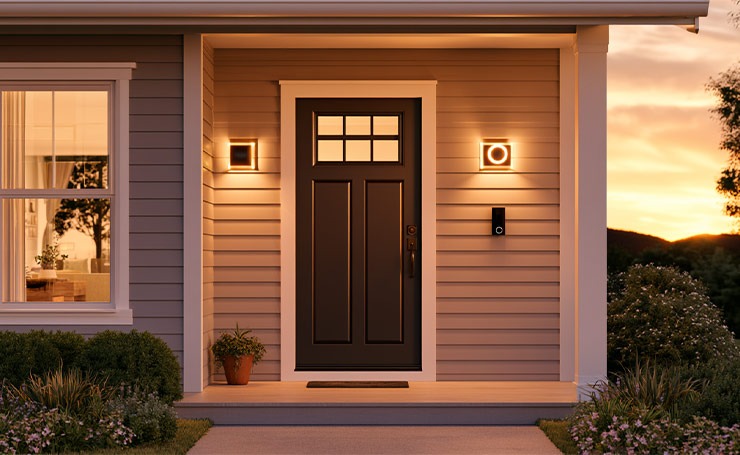
A smart video doorbell is necessary to cover your most vulnerable entry point. Also, add a smart plug on a porch lamp and set it to turn on at sunset and off at sunrise automatically. It will also be an instant security upgrade for your house.
Kitchen (approx $20–$40)
A smart plug for the coffee maker is the best first step. You can set it to power on 10 minutes before your alarm. You can also add a second plug to a countertop appliance if needed. The kitchen rarely needs smart bulbs since overhead lighting is usually functional.
Common Mistakes That Make Smart Homes Expensive
Most budget smart home setups go wrong in the same predictable ways. Knowing these mistakes will help you save both money and frustration.
- Buying premium brands before you need them: If you get ideal functions from an affordable brand, particularly if you are a beginner, you do not need to invest in premium brands. Explore affordable options first, because you will find the one that suits you.
- Ignoring Wi-Fi coverage: If your smart plug keeps disconnecting because the Wi-Fi signal does not reach the kitchen, it is a bad internet situation. Fix the network to ensure all your devices work properly.
- Paying for subscriptions you do not need: Wyze and Blink have solid free tiers. Their basic motion alerts and live viewing cost nothing. You should always check your options before signing up for a cloud storage plan.
- Buying a hub before you need one: For beginners, smart hubs are not necessary. They are great for large, advanced setups. But for a beginner setup that is built around Matter-compatible devices and a smart speaker, it is not important.
- Mixing ecosystems too early: Running half your devices on Alexa and half on Google Home in the beginning creates unnecessary complexity. Pick one ecosystem and build around it once you start understanding it.
Final Thoughts
A cheap smart home setup in 2026 is the best approach for convenience and efficiency. For just $100 to $300, you can build a setup that controls your lighting by voice, automates your morning coffee, monitors your front door, and trims your electricity bills month by month.
The right approach is to start small and build gradually. You do not have to buy everything at once. Spend your money where it counts and skip what you do not need yet.
Ready to automate your house? Explore more blogs on AI Technology Tips.
FAQs
What is the Cheapest Way to Start a Smart Home Setup for Beginners in 2026?
Beginners should start with a smart plug and a budget smart speaker and expand gradually. This approach lets you automate existing appliances without replacing them, keeping your initial cost under $50.
Are Budget Smart Home Devices Safe to Use?
Yes, they are safe to use if you choose reputable brands. Moreover, enable security features like two-factor authentication, regular firmware updates, and strong Wi-Fi passwords.
What are the Best Budget Smart Home Brands for Beginners in 2026?
Some trusted affordable brands include TP-Link Kasa, Blink, Wyze, and Amazon Basics. These offer solid features without high costs.
Can I Use Smart Home Devices in a Rental House or Apartment?
Yes, most budget devices like smart plugs, bulbs, and speakers are portable and do not require permanent installation, making them perfect for rental houses and apartments.

