

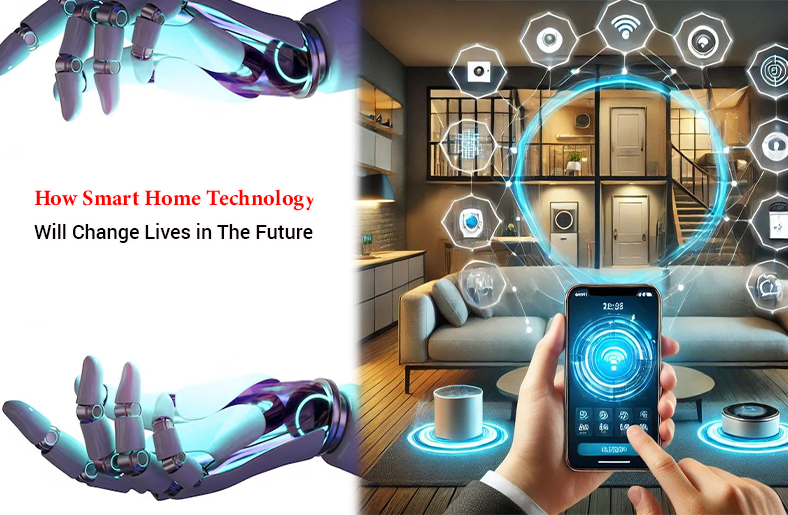
Technology continues to advance, changing a lot of things. One of those is your home. Imagine summoning your vacuum with your mobile phone or controlling the lights using your voice. All of this has become a reality, thanks to advanced technology.
The term for the house that has this technology is “smart home.” In this guide, we will cover all the important aspects related to smart home tech. Whether you are a curious homemaker or a tech enthusiast, you will learn about modern devices, a setup guide, installation costs, and much more.
30-Second Summary
The integration of technology in homes has become a source of convenience for homeowners. This blog will discuss smart home tech, how it works, its benefits, and important devices. Explore installation costs, setup guide, challenges, and current and future trends in the smart home environment.
What is a Smart Home?
A smart home has internet-connected devices that you can control remotely using a mobile device. These devices can be set up with hardwired or wireless systems.
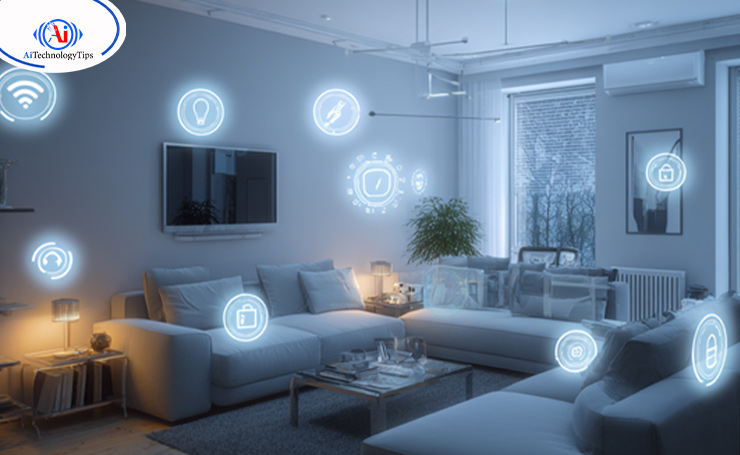
Smart home technology is also known as home automation or domotics. Another term for it is a part of the Internet of Things (IoT). It provides homeowners peace of mind as they can control all security and other devices either with their smartphone or another network device.
These devices share consumer usage data amongst themselves, operating together. They automate actions based on the homeowners’ preferences.
How Smart Home Tech Works?
A smart home is a network of devices that work together. They can be controlled using a central point, such as a smartphone, a tablet, a laptop, or a game console. This primary home automation controller is called a smart home hub.
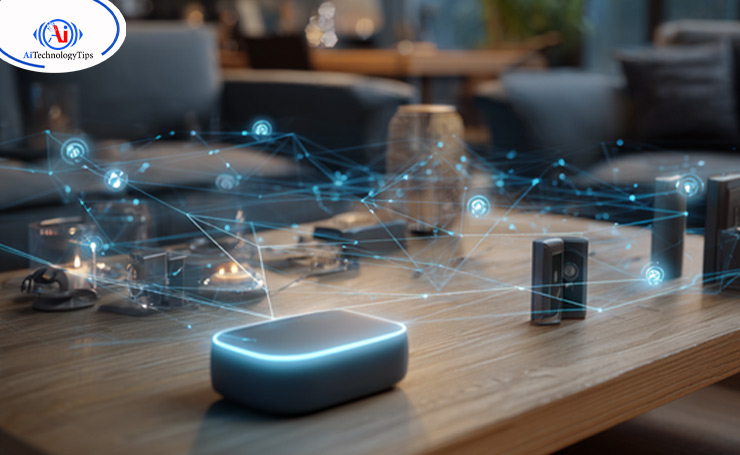
Smart devices can be easily programmed to follow a specific set of commands by the homeowner. Some of them also respond to voice commands, such as Amazon Alexa and Google Assistant.
For instance, a smart thermostat learns about the homeowner’s preferences and automatically adjusts the temperature based on a specific schedule.
Smart Home Systems
Smart homes operate on two types of systems: wireless and hardwired.
Wireless
Wireless systems are easy to install. It is limited to several thousand dollars, which is relatively affordable. The downside of wireless systems is that you need a strong Wi-Fi connection and broadband service.
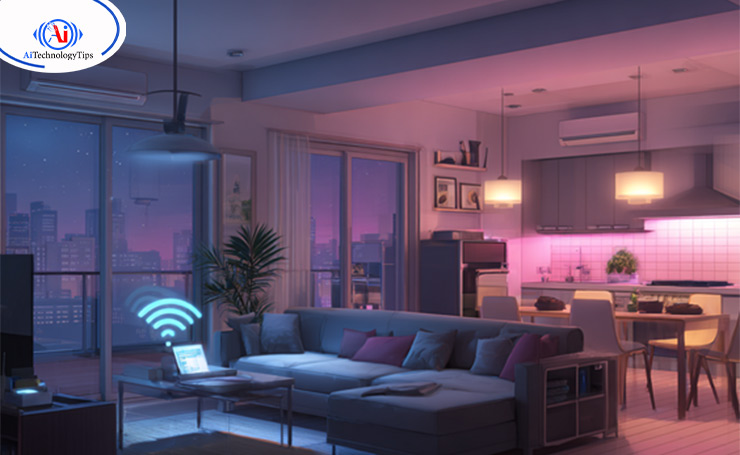
You may also need to invest in range extenders or hardwired wireless access points. This smart home system is better for small homes and rental properties.
Hardwired
Hardwired systems are considered more reliable as they are difficult to hack. It increases the market value of the house and can be scaled easily. This is why it is the default method during renovations or building new homes.
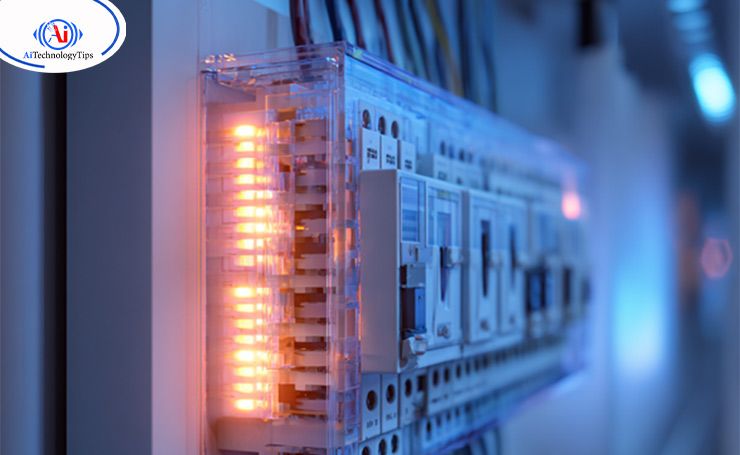
However, it is extremely expensive. The cost can be around tens of thousands of dollars to install a luxury, hardwired smart system. Additionally, you need space for network hardware equipment, such as Ethernet cables.
Benefits of Smart Home Systems
There are many benefits of smart homes.
Convenience and Control
You can control these devices for your convenience. Imagine adjusting your home temperature while you are driving or asking Alexa to play your favorite playlist without touching your phone. Voice control assistants and mobile apps provide hands-free convenience, simplifying everyday tasks.
Safety and Security
A smart security system has security cameras, smart locks, and motion sensors. They ensure that you are always safe. You can check live feeds of the cameras and lock and unlock doors. This system also alerts in case of any suspicious activity.
Energy and Efficiency
Devices like smart plugs, smart thermostats, and smart lighting optimize energy usage. They learn your habits and preferences, reduce energy waste, and lower utility bills.
Lifestyle Upgrade
Smart home gadgets, like AI-powered kitchen appliances and robot vacuums, make your daily life comfortable and enjoyable.
Important Smart Home Devices
If you want to set up your smart home, it is necessary to understand which gadget will bring the most value.
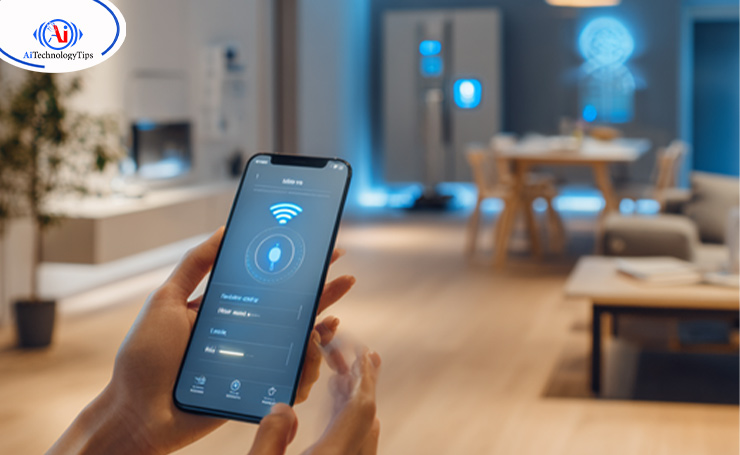
Let’s see some essential devices that enable home automation.
Smart Thermostats
This is one of the most popular smart home gadgets. They learn your schedule, adjust temperatures accordingly, and reduce energy bills. For instance, a smart thermostat lowers the temperature when you leave the house.
Benefits
- Compatible with the HVAC system.
- Remote access via mobile phones or other devices.
- Energy usage reporting.
Smart Security Systems
A secure home is a top priority for every homeowner, and smart security systems help you with it.
Components
Smart locks: Allow keyless entry with codes, biometrics, and mobile apps.
Security cameras: Live stream indoor and outdoor.
Sensors and alarms: Detect motion, glass-breaking, smoke, and other unusual activities.
Benefits
- Alert you in case of suspicious activity.
- Allow remote monitoring through phone or other devices.
- Easy integration with voice control assistants.
Smart Lighting
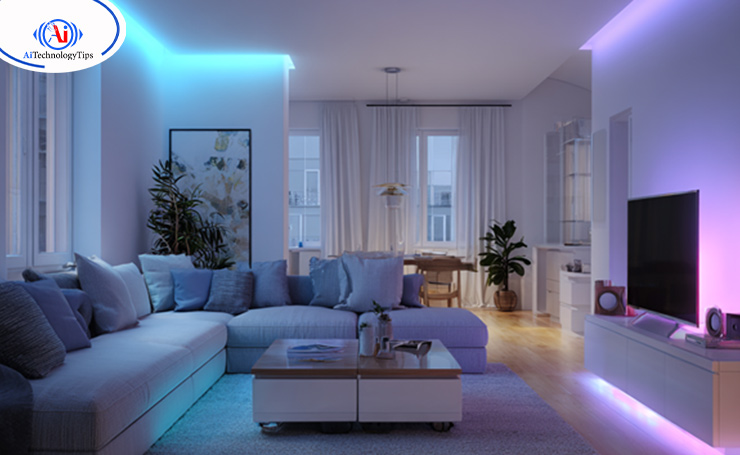
Having smart lighting is the easiest way to upgrade a wireless smart home.
Components
Smart bulbs: Can change color and brightness through apps or voice commands.
Smart plugs: Can automate lamps and other small appliances.
Smart switches: Can control the whole circuit without replacing bulbs.
Benefits
- Saves energy.
- Creates different atmospheres by adjusting the lights.
- Provides security through scheduled lighting.
Voice Control Assistants
Voice control assistants are the brains behind many smart homes. Google Assistant, Amazon Alexa, and Apple Siri control devices, answer questions, and manage routines. For instance, you can control your lights and locks by saying, “Hey Google, lock the front door and turn off the lights.”
Benefits
- Provide hands-free control.
- Offer convenience by managing tasks through a single voice command.
- Connect and control all intelligent devices in one place.
Smart Hubs and Controllers
Not all devices can talk to each other directly. Therefore, smart hubs connect devices of different brands into one unified system.
Best smart home hubs include
- Samsung SmartThings Hubs
- Apple HomePod
- Amazon Echo Hub
Other Smart Home Gadgets
- Robots vacuums
- Smart refrigerators that monitor food inventory
- Kitchen appliances, such as coffee machines and refrigerators
- Smart entertainment devices, such as TVs and speakers
Smart Home Setup Guide
Newly built homes often have smart systems as a default. Older houses can fit these systems through a renovation.
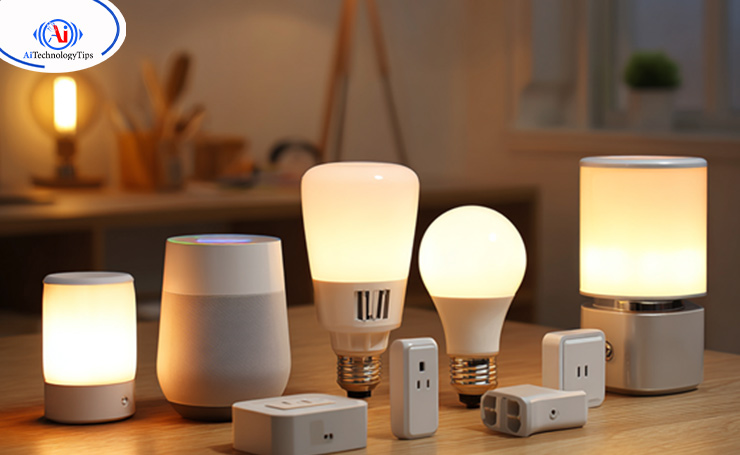
Setting up a smart home is difficult. However, the general steps are below.
Invest in a Strong Internet Connection
Smart home connectivity relies on a strong internet connection. Without the internet, the devices may not work properly. Therefore, you should start by investing in a good internet connection.
Choose the Hub
Next, you need to pick a suitable ecosystem. If you want your house to be fully automated, select a hub that can centrally control every device. In other cases, virtual assistants that can link to other devices on the same network are enough.
Start with the Basics
Start with basic smart gadgets, such as bulbs, plugs, and switches. They are easy to install and can automate various tasks around the house. For example, a smart switch can automate fans, lights, lamps, space heaters, and small cookers.
Secure the Devices
The majority of the IoT and smart home devices do not have a built-in security system, like encryption. Therefore, it is extremely important that you set strong passwords and multifactor authentication to avoid any unauthorized access.
Set Up Routines and Schedules
Explore the automation features of your intelligent home devices.
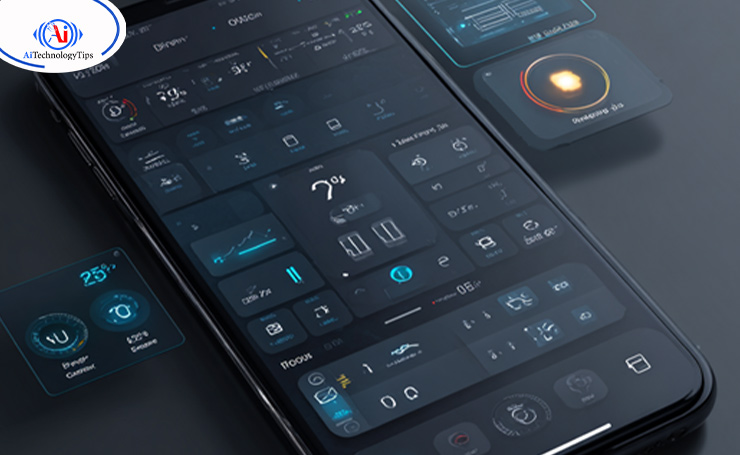
You can establish schedules and routines to automate tasks, such as turning off lights at a particular time or setting the temperature lower when you are not home, etc.
Test the Devices
After installation, test if the devices are working properly. See if you can control them through the automation system and adjust the settings accordingly.
Expand with more Devices
When you become comfortable around smart devices in your house, you can expand the system. You can add smart security gadgets, cameras, video doorbells, and other devices.
DIY vs Professional Smart Home Setup
| Feature | DIY Setup | Professional Setup |
| Cost | Affordable upfront cost | Expensive upfront cost |
| Ease of Installation | Simple devices with app setups | Professionals handle wiring and configuration |
| Time Required | Can take some hours | Can take many hours to days |
| Customization | Limited to what kits and apps allow, may not have deep integration. | Customized to your home’s needs and lifestyle. |
| Scalability | Ideal for adding a few devices at once | Perfect for large-scale systems and has future upgrades |
| Technical Knowledge | Requires basic tech skills | No technical knowledge required as the installer handles everything. |
| Reliability | Can face connectivity issues if not set up properly. | More stable and professional-grade equipment and configuration. |
| Support and Troubleshooting | Rely on online forums, manuals, or brand customer service. | Ongoing professional support and warranties are often included. |
| Security | May have weaker security if not configured properly. | Stronger and professionally secured networks and data protection. |
| Aesthetics | Self-installation may result in visible wires or messy setups. | Clean, hidden wiring and seamless integration with interiors. |
| Best For | Renters, budget-conscious users, small homes, and beginners. | Homeowners, large houses, advanced systems, and long-term solutions. |
Current Smart Home Tech Trends
Some important changes in smart home trends are below.
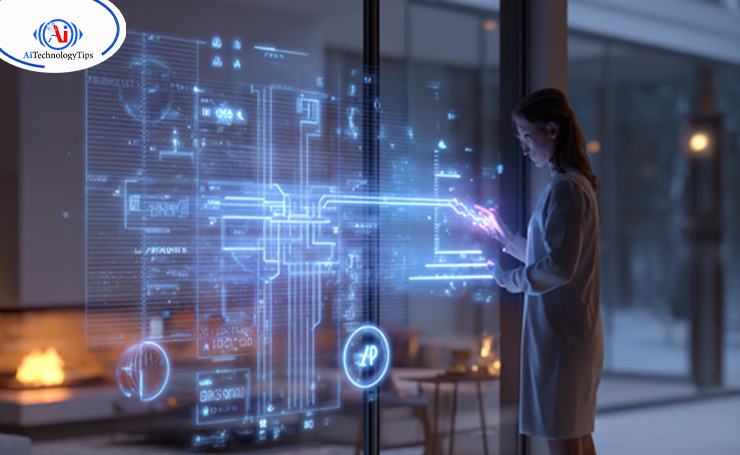
AI-Powered Automation: Smart homes are now using AI to learn your routine and predict your actions, for example, dimming lights at bedtime or preheating the oven at the time of dinner.
Energy Efficiency Smart Homes: The focus of this technology is on reducing carbon footprints and preventing energy wastage through smart thermostats, lighting, and appliance management.
Integration with EVs: Smart home systems can integrate with electric vehicles and allow homeowners to optimize energy use and manage charging schedules.
Enhanced Security: Facial recognition, biometrics, and smart surveillance are making homes more secure.
Wireless Smart Home Systems: Most of the devices can connect directly with Wi-Fi, reducing the need for hubs. This feature also makes the setup process easier.
How Much Does a Smart Home Cost?
The smart home installation cost is not a single fixed figure. It depends on many factors, including purpose, scope, and setup. Let’s see the cost by dividing it into two rough categories: DIY and brand installation.
DIY Smart Home Cost
The DIY cost of smart home installation varies according to brand, appliances, and home size. However, the typical range is $250 to $10,000. The highly customizable nature of smart homes is the reason behind this wide range of figures.
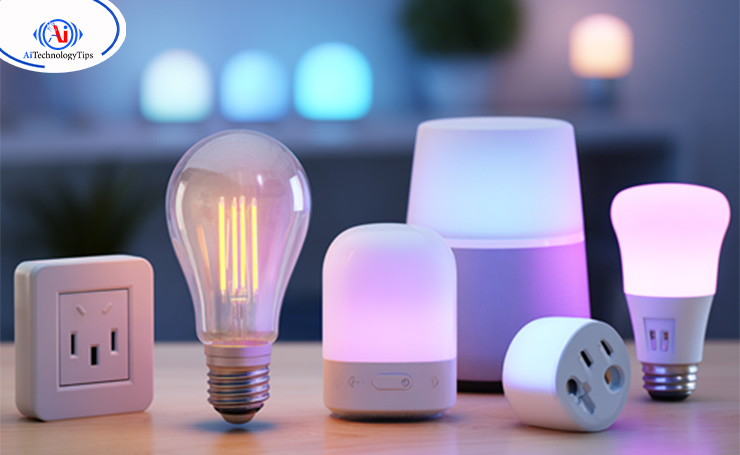
For example, a smart thermostat is around $130 while a smart refrigerator costs around $10,000. Other factors that impact the price are wiring and protocols. For basic house automation, you can expect to pay $2000 to $4000.
Brand Installation Cost
If you do not want to be bothered with the complicated installation process, you can hire a brand for the job. Many brands offer packages and installation services. You can either choose specific service packages or custom installations, where you pick the parts of your house you want to automate.

The price of specific service packages can be a few hundred dollars to $7000, depending on the type of package you get. Custom installation can be from $10,000 to $100,000 and depends on the size of your home.
Security and Privacy Considerations
While there are numerous benefits of IoT devices, it is important to consider security and privacy concerns.
Secure your network: Make sure that your network is fully secured with a password and encryption to protect against vulnerabilities.
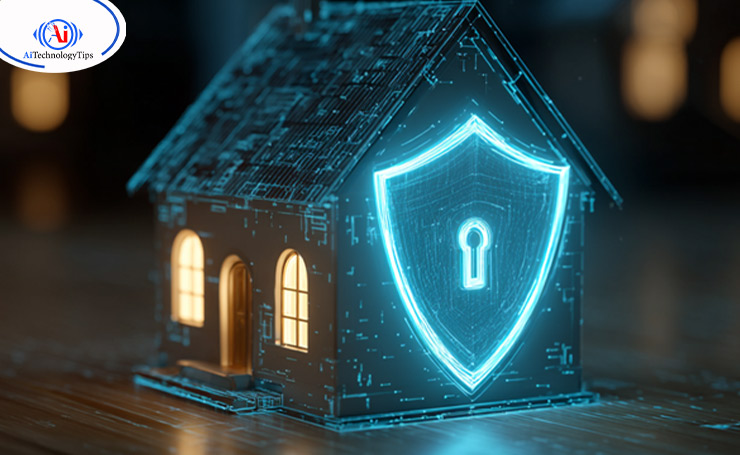
Set strong passwords: Choose strong and unique passwords for your smart home devices. Also, change them regularly.
Two-factor authentication: Keep your two-factor authentication enabled to be more protected against hacking threats.
Regular firmware updates: Manufacturers send firmware updates for better device performance. Install them right away to ensure your devices are always secure.
Privacy Policy Review: Before investing in a smart home device, see how your data will be collected, stored, and used. Choose the company that puts customer privacy as a priority.
How to Choose the Right Smart Home System
There is always a new intelligent device launching. It can get overwhelming to decide which one is right for you. Consider the following before picking a device for your home.

Compatibility: The device you are choosing should be compatible with your existing devices. You can check it on the company’s website or consult a smart home expert.
Budget: Always set a budget for your smart home project. See how much you are willing to spend on each device. Consider the amount of money you can save in the long run after device installation.
Scalability: Choose technology that can be easily upgraded and expanded. Start with one device and then gradually add more.
User-Friendliness: Select the gadget that is easy to install with a user-friendly interface.
Security: The device you choose should have security measures in place to protect your data. Always choose the one that offers encryption, firmware updates, and strong passwords.
Popular Ecosystems
- Google Home: Superb for Android users and has a strong AI.
- Amazon Alexa: Widest compatibility with third-party devices.
- Apple HomeKit: Ideal for privacy and the Apple ecosystem.
Challenges and Limitations
- You may face compatibility issues between two devices of different brands.
- These devices collect data, so there is always a risk of getting hacked or misused.
- Without a strong internet connection, devices will not work.
- Full automation has a high upfront cost, though it will save money in the long run.
Troubleshooting Smart Home Issues
Smart home devices are meant to be user-friendly, but just like any other technology, they can cause some issues too. Have a look at common issues and their fixes.

Device Connectivity: If your device is not connecting to the automation system, check that it is in the range of the Wi-Fi network. See if the device is powered on and if you are following the correct setup process.
Slow Response: If a device responds slowly, check your internet connection. Make sure that the router is not overloaded and add a Wi-Fi extender if possible.
Integration Issues: If the devices are not working together properly, check their compatibility. Update the firmware and automation system to the latest versions.
Voice Command Problems: If the voice assistant is not responding to your commands, check that it is connected to the same network as your devices. You should also check the voice assistant’s microphone to ensure that it recognizes your voice commands.
Power Outages: In a power outage, some devices need to be manually reset. To restore functionality, make sure to follow the manufacturer’s instructions.
Future Trends in Smart Home Tech
Smart home technology is constantly evolving with some exciting advancements in the future.
Artificial Intelligence: As AI is becoming prevalent, smart home devices will become more intuitive. They will anticipate your actions, learn your preferences, and provide personalized experiences.
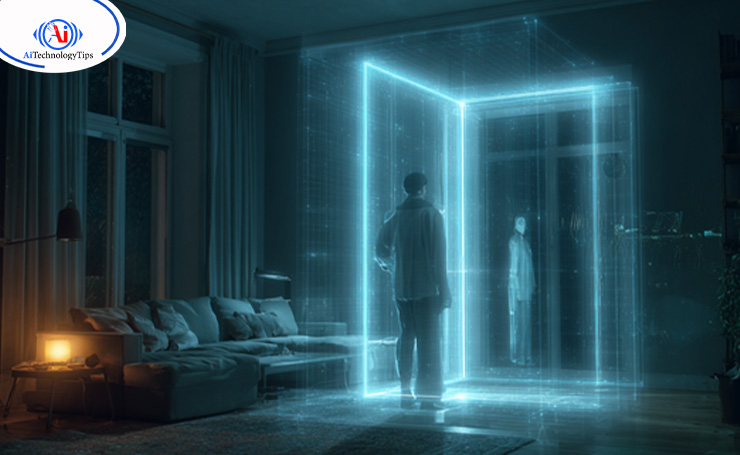
Increased Interoperability: The focus of the efforts is to increase interoperability so that devices from different manufacturers work together.
Improved Security: Smart home gadgets will continue to improve security through enhanced encryption, cloud storage, and biometric authentication.
Better Energy Management: These devices will become more energy efficient and provide real-time data on energy usage. Homeowners will be able to make wise decisions regarding energy conservation.
Smart City Integration: Smart home technology will be integrated with city infrastructure. Homes will be able to communicate with public utilities, transportation, and other city services to create a truly connected ecosystem.
Wrapping It Up
In recent times, smart home tech has become a necessity for many homeowners. It offers a lot of benefits like energy efficiency, security, and lifestyle upgrades. In short, smart homes have become the future of living.
Learn about different devices, integrations, and automation options to make your space according to your needs. Remember to start small, expand slowly, and enjoy the comfort of a connected life.
Interested in more technology and AI-related information? Explore AI Technology Tips to stay updated.
FAQs
What are the best Smart Home Devices for Beginners?
The beginners can start with smart bulbs, plugs, lighting, and a thermostat. These are affordable and easy to set up.
How much does a Smart Home Installation cost?
A basic DIY setup can cost you around $200 to $500. If you choose professionally installed devices, the price can be from $10,000 to $100,000, depending on the device’s features and wiring.
Do Smart Homes save Energy?
Yes, smart switches, plugs, bulbs, and thermostats are energy efficient. They reduce electricity bills and support energy conservation in your house.
Can I Install Smart Gadgets on my Own?
Yes, many devices are easy to install and DIY-friendly. However, larger systems may need professional help.
Do all Smart Home Devices work together?
Not always. The compatibility of the devices depends on the ecosystem you choose (Alexa, Apple, or Google). A reliable smart hub ensures that devices from different brands work together.
What are the Disadvantages of Smart Home Technology?
Some downsides include compatibility issues, hefty upfront installation costs, reliance on an internet connection, and privacy concerns. However, many homeowners believe that the benefits of these devices outweigh the disadvantages.

