

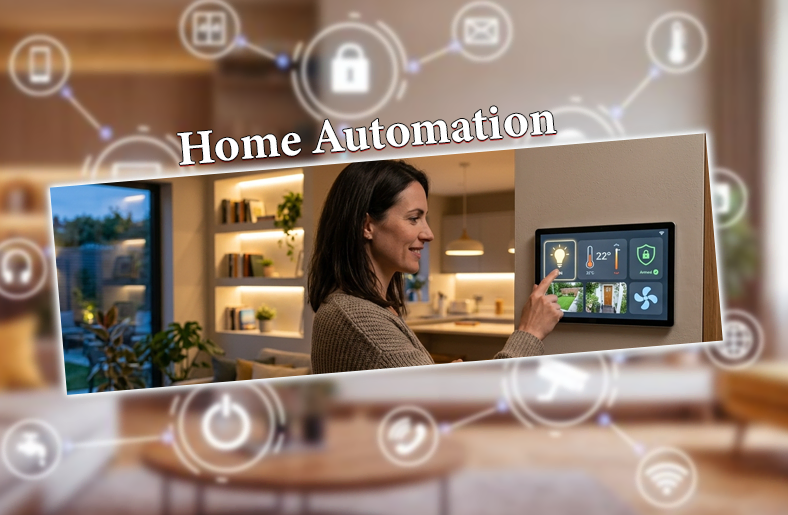
Home automation is completely changing our daily routines. With a voice command or a few taps, you can control everything, from light and temperature to security. In short, home automation is creating an innovative and connected system for our convenience.
In this guide, we will walk you through what home automation is, its setup types, how to install it, its benefits, and its future.
30-Second Summary
- Start small and scale smartly, because you do not need a complete home automation system from day one.
- A strong Wi-Fi is crucial for the system to work properly.
- Device compatibility is important. Choosing devices with the Matter protocol offers long-term flexibility.
- As automation integrates AI, soon houses will learn homeowners’ preferences and adapt accordingly.
What is Home Automation?
Home automation means the use of smart technology to control and automate home appliances and systems for comfort and energy efficiency. Homeowners can remotely control thermostats, security cameras, lights, and even kitchen appliances, using their smartphones.
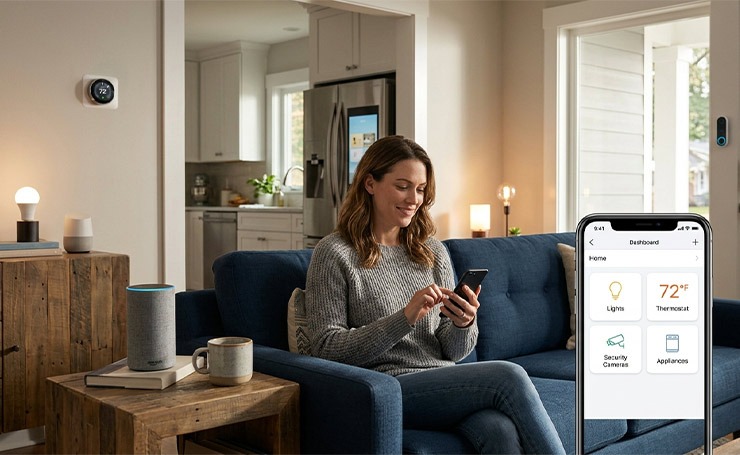
Home automation benefits from wireless technology, such as Wi-Fi and Bluetooth. These advantages cannot be achieved with a wired network alone.
Key Components of an Automated Home
Home automation has three major components.
- Smart devices
- A hub
- A connected application
Smart Devices
These are the main parts that homeowners control and automate. The devices that can become a part of the automation system include
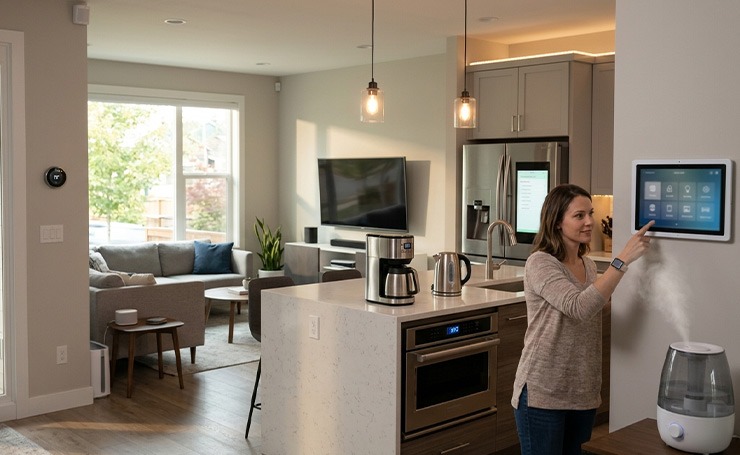
- Security Devices: It includes security cameras, motion sensors, and smart locks.
- Home Appliances: This includes smart refrigerators, dishwashers, washing machines, and ovens.
- Smaller Appliances: You can automate smart coffee pots and kettles.
- Climate Controls: It includes a complete climate control system with energy management systems.
- Entertainment Devices: These devices include smart televisions, film projectors, wireless speakers, etc.
- Health Care Devices: These include wearable medical devices, remote patient monitoring systems, smart humidifiers, etc.
- Lighting Controls: You can access dimmers, light strips, bulbs, and switches remotely.
The Hub
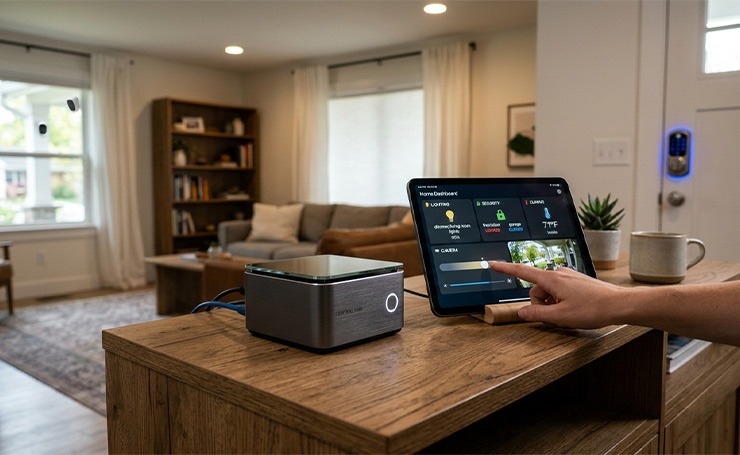
The hub controls the entire automation center. Think of it as a central system that connects all your individual devices and helps them collaborate with each other. For example, instead of opening ten different apps to dim the lights, lock the door, and check the camera, the hub consolidates all of these into one dashboard for homeowners’ ease.
The Connected Application
A mobile application acts like an interface between the homeowner and the system. You can access and monitor your devices remotely using the app. It is easily downloadable and lets you access the timer, power controls, and all other devices.
Popular Smart Home Ecosystems
The following are the “big 3” of a home automation system.
Voice Assistants
Voice assistants, such as Google Assistant, Siri, and Alexa, act like the brain and the primary way you interact with your home.
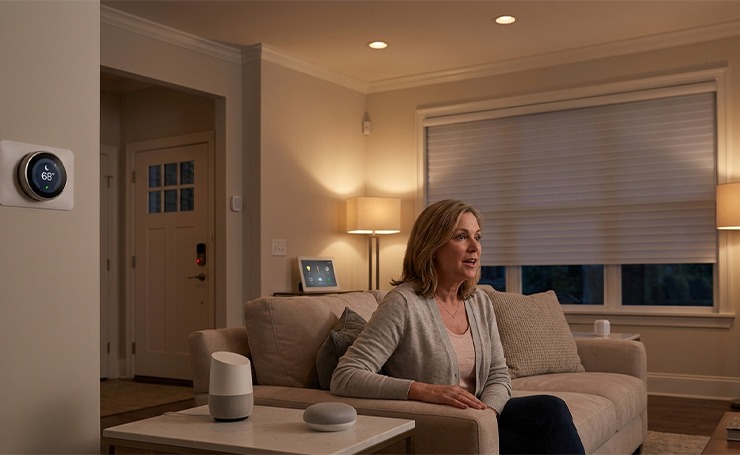
They provide hands-free control, and you can adjust security, temperature, and lighting without needing your phone. Just a command and you get results.
Voice assistants allow you to create “routines”. For instance, the moment you say “Goodnight,” they know to dim the lights, lock the doors, and set alarms.
These assistants are extremely beneficial for people with vision or mobility impairments, as they allow full home control with voice commands alone.
Apple and Open Systems
The way a system is built determines which devices you can buy and how secure they are.
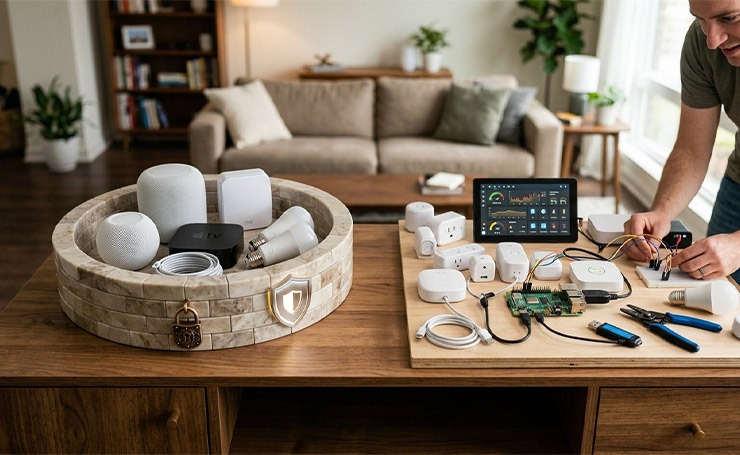
- Apple (HomeKit): It is known for being a walled garden. It offers high security and processes data locally, meaning your data stays in your house, not in the cloud. However, it works with devices that are specifically certified by Apple.
- Open Systems: Platforms like Habitat or Home Assistant allow users to connect any device regardless of the brand. They also offer total customization but require more setup.
Matter Protocol Compatibility
This is an important recent shift in home automation. Matter is a universal language that helps devices from different brands talk to each other. If a device has the Matter logo, it will work with Alexa, Apple Home, and Google Home simultaneously.
Matter often uses Thread, which is a mesh networking technology. It makes your smart home faster and more stable than using Wi-Fi alone.
Home Automation Setup Types
This section will help you identify your starting point. Most home automation journeys fall into the following three tiers.
Basic Setup
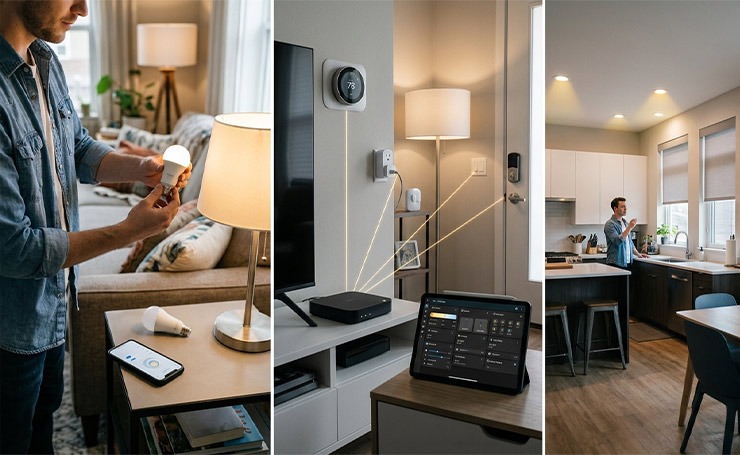
A basic setup is DIY-friendly, affordable, and focuses on solving one or two specific problems, such as lighting or security. It allows simple routines and rules, like turning on the porch light at sunset or a motion sensor turning on a hallway light.
Advanced Setup
Advanced setup bridges the gap between basic gadgets and complete home automation. It often involves multiple devices from different brands working together through a central hub. A dedicated hub, like Samsung SmartThings or Home Assistant, supports various protocols like Z-wave, Matter, or Zigbee, and acts as the core hardware.
This setup allows automations that include multiple device types. For instance, a movie night means dimming the lights, turning on the sound system, and closing smart blinds simultaneously.
Whole Home Automation Setup
A whole home automation setup includes every major system, including security, lighting, HVAC, entertainment, and even irrigation, into a single unified network.
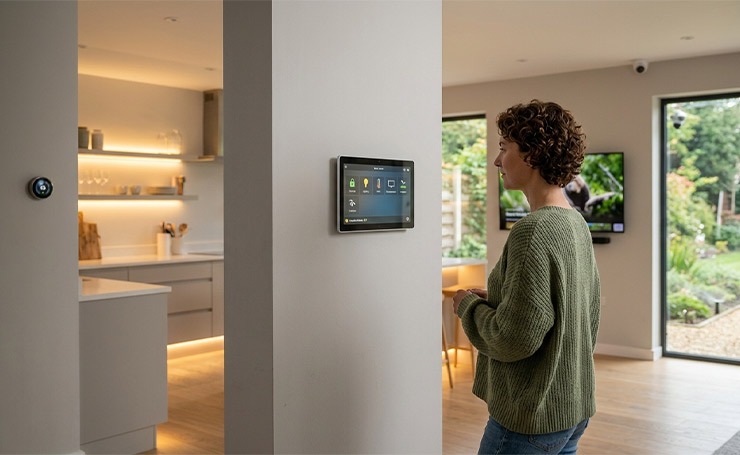
It often uses wired infrastructure as the core hardware for reliability, with wireless Matter or Thread for flexibility.
This type of automation allows truly “hands-off” living. Your house knows you are present and automatically adjusts everything, such as the temperature in every single room. Moreover, it handles complex security automation as well, such as Vacation Mode, which mimics your daily lighting habits while you are away.
Types of Home Automation Systems
There are three types of home automation systems, based on how signals between devices and systems are managed.
Distributed Home Automation System
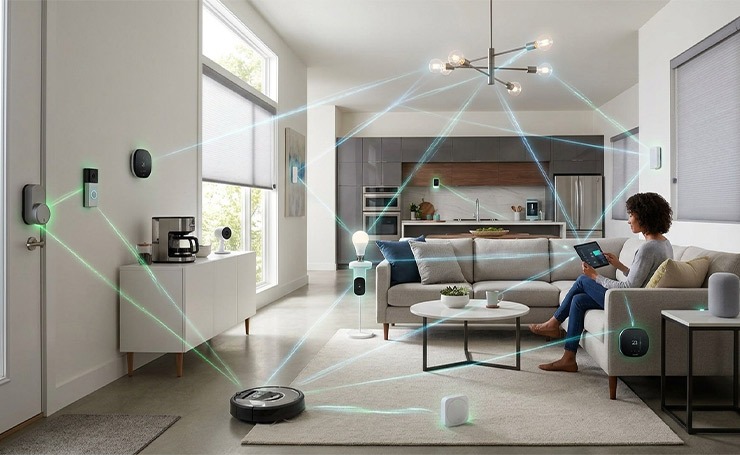
In a distributed automation system, each device has its own intelligence and autonomy. Devices do not depend on a central hub and can communicate with each other using a common protocol. It creates a decentralized system, which is flexible and reliable. However, it is more complex to configure.
Centralized Home Automation System
A centralized home automation system allows all devices to connect to a central controller that manages them. The central hub or controller receives signals from the sensors and sends commands to the devices based on either predefined rules or the homeowner’s requests.
This type of system is simple and easily customizable. However, it requires more dependence on the central controller and is less scalable.
Hybrid Home Automation System
In a hybrid home automation system, the features of distributed and centralized systems are all combined to create a hybrid network. Some devices are connected to the hub while others work independently and communicate with each other.
This system offers a balanced approach for different needs. However, it needs greater integration and compatibility among components and technologies.
Examples of Home Automation
Here are some examples of home automation systems.
Automated Lighting Schedule
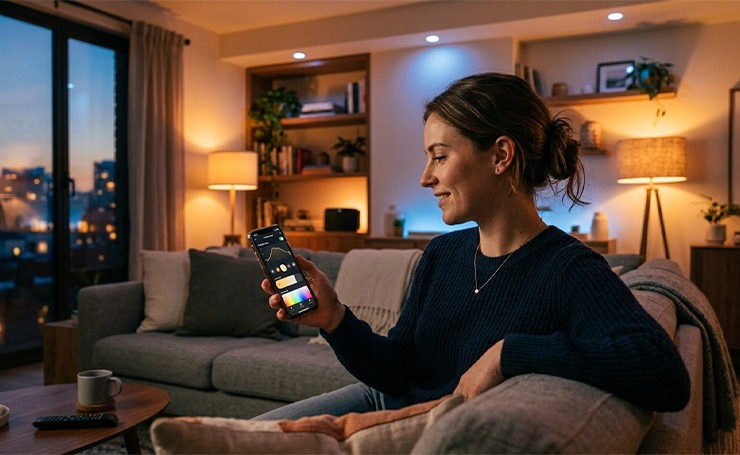
You can remotely control the brightness and colors of your lights. Moreover, the system learns to dim and brighten the light according to your schedule. It improves ambiance, saves energy, and enhances security by simulating your habits when you are not home.
Brands: Lutron, LIFX
Smart Thermostats
They automatically adjust the temperature of your space based on your preferences. You can control it remotely through a smartphone and save energy by optimizing heating and cooling.
Brands: Google Nest, ecobee
Security and Surveillance
These systems include smart cameras, locks, and motion sensors. They also have nighttime vision, which is excellent for security. You can control the locking and unlocking of doors and get notified if the system notices any suspicious presence near your property.
Brands: Ring, SimpliSafe
Smart Speakers
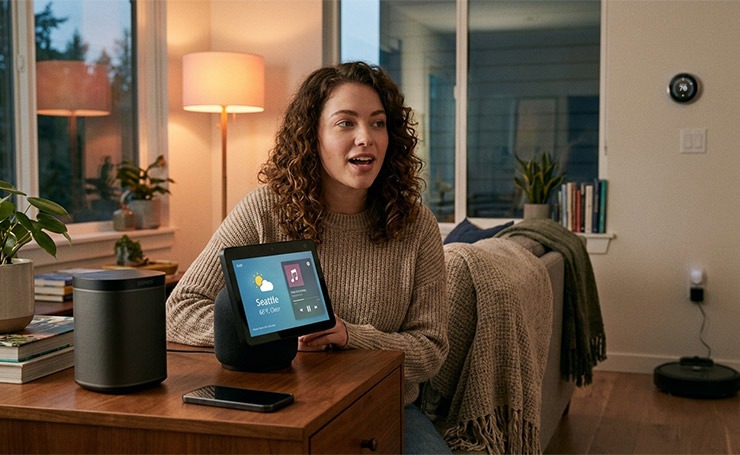
These are voice-controlled assistants that can play music, provide weather and other information, and much more. Smart speakers can integrate with different smart home devices, giving you complete hands-off control.
Brands: Amazon Echo, Sonos
Networking for Smart Homes
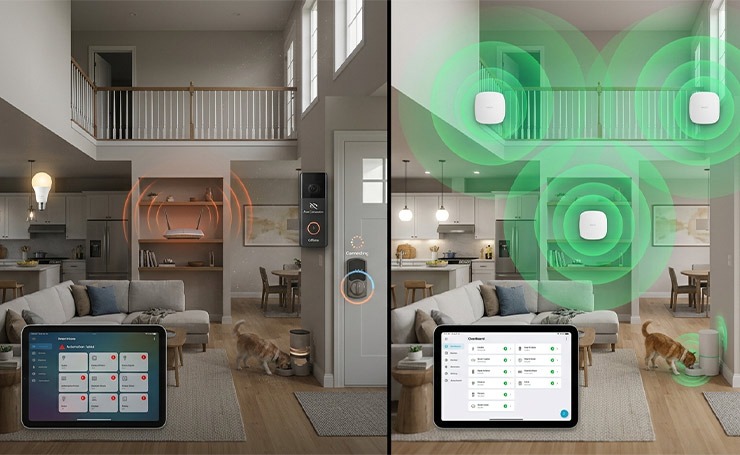
A smart home is only as good as the network. As you add more devices for automation, a traditional single-router setup often fails to provide the necessary speed and coverage.
Importance of Strong Connectivity
Reliable networking is the backbone of an automated home. You will face several issues without it, such as
- Device lagging
- Security risks
- Automation failure
- Battery drain
The Solution: Wi-Fi 6 Mesh Network
A Wi-Fi 6 Mesh Network is currently the gold standard for most modern smart homes. It combines two important technologies to solve connectivity issues.
- Mesh Networking: Instead of one router trying to reach every room, a mesh system uses a main router and several satellite nodes placed throughout the house. These nodes can reach difficult spots like garages and basements and provide seamless roaming.
- Wi-Fi 6: This Wi-Fi is designed to handle a high density of devices and offers much faster data transfers. Moreover, it allows devices to schedule when they get activated to send data, improving the battery life of IoT sensors.
Installation Options
DIY Installation
This is the most common entry point for users on a budget or tech-savvy homeowners.
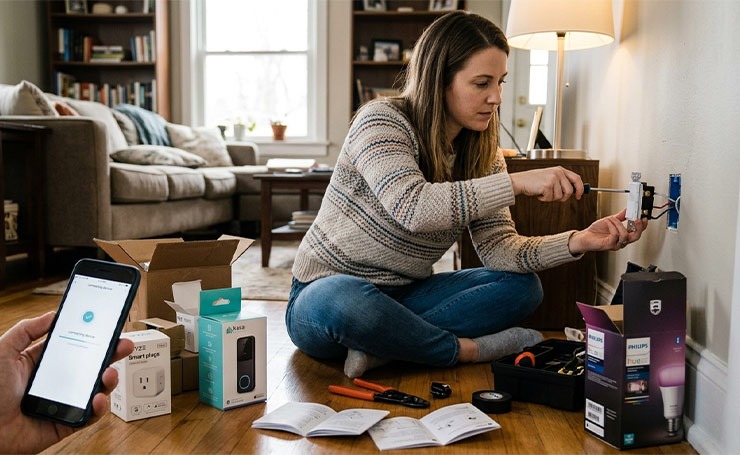
- The Experience: The homeowner does everything, from buying and setting up to troubleshooting devices using manufacturer apps.
- Best For: Beginners, renters, or anyone starting with a basic setup.
- Pros: You can save a lot on labor costs, set it up immediately, and have total control over customization.
- Cons: You need technical knowledge, and troubleshooting can be time-consuming.
Professional Installation
An expert designs and installs a unified system.
- The Experience: A professional can handle network organization, electrical wiring, and complex programming.
- Best For: Luxury homes, new construction, or whole-home automation setups.
- Pros: The installation is reliable, and you get expert aftercare support and higher network security.
- Cons: Expert installation has a high upfront cost, and you cannot fiddle with setting it up yourself.
Retrofit Home Automation (No Wiring)
This is the middle ground where modern technology fits into old structures without any structural changes.
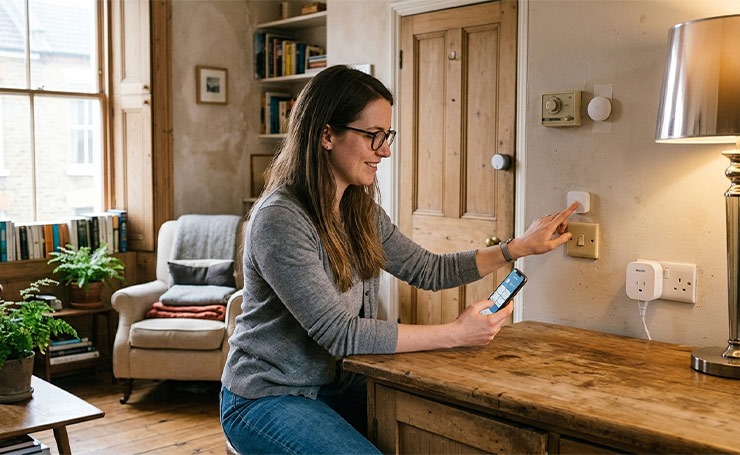
- The Experience: It uses battery-powered devices or wireless modules that stick onto or plug into current fixtures.
- Best For: Renters or homeowners who want modern technology without breaking walls.
- Pros: It is portable, creates no mess, and is much cheaper than hardwiring.
- Cons: It needs frequent battery management and might face potential wireless interference from thick walls.
Pros and Cons of Home Automation
Here are some pros and cons of home automation.
Advantages
- Self-automated devices, like bulbs, fans, and switchboards, save energy and reduce utility costs.
- Home automation allows you to fully secure your house through automatic lighting, cameras, locks, and motion sensors.
- Home automation systems are all automatic, resulting in great convenience for users.
- You can better control your house functions with automation technology.
- You can access devices from anywhere, just with an internet connection.
Disadvantages
- Home automation is more expensive than non-Wi-Fi devices.
- Users may face security issues, such as the doorbell ringing automatically.
- IoT is a relatively new technology, and you can experience some bugs.
How to Get Started
Getting into home automation does not have to be complicated or expensive. The best way is to start small and build your system over time.
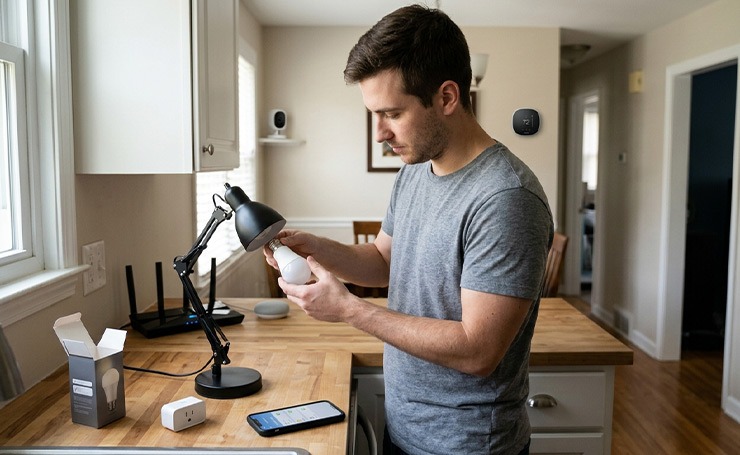
Begin with a smart bulb or switch. These are affordable options and give you an idea of how home automation works. Once you get the hang of them, you can install thermostats, HVAC, or security cameras.
Next, you have to choose a central ecosystem. Platforms like Google Home, Apple HomeKit, or Amazon Alexa help you control everything from one place. If you have multiple devices from different brands, consider a hub controller to connect all of them.
Finally, make sure your internet connection can support all your devices, because smart home setups require strong connectivity throughout all rooms, especially if you plan to add more devices.
Just remember, do not try to automate everything at once. Start with what you use daily and build from there.
The Future of Home Automation
Home automation is moving towards being a proper intelligent system rather than just a mere convenience. The next phase will focus on taking action based on your preferences and behavior, without requiring constant input from you.
One major shift is Matter protocol compatibility, which allows devices from different brands to collaborate with each other. It means that you are not stuck with one ecosystem forever. You can connect all your devices, no matter what their brand is, and they will work as one system.
Energy efficiency is becoming smarter as well. Advanced energy management tools will track energy usage in real time and optimize it without you noticing, reducing bills and waste.
Artificial intelligence will surely play a pivotal role in home automation in the future. For instance, you won’t have to set an automated lighting schedule. Your house will learn your habits, like when you wake up, leave, or relax, and adjust lights, music, and temperature accordingly.
In short, in the future, smart homes won’t just respond to commands; they will anticipate your needs and take actions without your input.
Final Thoughts
Home automation has become a major milestone for modern technology. Homeowners can remotely access their devices, which enhances a sense of peace. With advanced security, lighting, HVAC, and other smart systems, home automation ensures long-term convenience, reduces utility bills, and saves your time and energy.
Visit AI Technology Tips to learn more about smart home technology.
FAQs
What is the Best Home Automation Setup for Beginners on a Budget?
A beginner-friendly home automation setup usually includes smart bulbs, plugs, and voice assistants like Google Home or Alexa. These devices are pocket-friendly, easy to install, and do not require a hub initially, making them ideal for first-time users.
Can I Build a Smart Home Without a Hub Controller?
Yes, you can create a smart home without a hub using Wi-Fi-based devices. However, a smart home hub controller becomes useful when you want better automation, faster response times, and support for Zigbee or Z-Wave devices.
Is Retrofit Home Automation Reliable in Older Homes?
Yes, retrofit home automation without wiring is reliable for most homes. It uses wireless devices that are easy to install, though performance depends on network strength and wall thickness.
How Much Does a Complete Home Automation System Cost?
The cost of home automation ranges from $100 for a basic setup to several thousand dollars for a whole-home system. The final cost depends on the number of devices, system complexity, and whether you opt for DIY or professional installation.

