

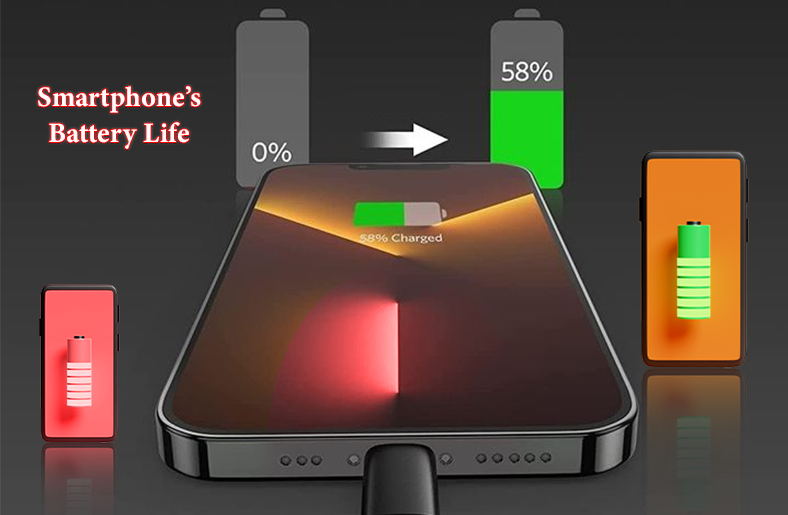
Mobile phones have become an integral part of our daily lives now. From managing our work to scrolling on our favorite apps, we spend a long time on our phones. This is why a battery that lasts for a good time on a single charge is important.
However, most users start to notice a decline in the performance of their phone batteries. But why does this happen? In this guide, we will discover how the battery works, what affects its performance, and how to extend it.
30-Second Summary
Keeping your smartphone’s battery life in optimal condition is important. In this guide, we walk you through how smartphone battery life works and the factors that impact its performance.
Moreover, we will discuss different ways to extend your battery lifespan, the right time to replace your battery, and how to save battery life on iPhone and Android mobiles.
How Smartphone Battery Life Works
Battery technology of smartphones has improved a lot since the old lead-acid cell models. Now, users do not have to worry about battery memory, so let’s understand how newer batteries work.
The two important aspects of modern lithium-ion (Li-ion) are lifespan and life.
Battery Lifespan: It refers to how long a battery lasts before you must replace it. Developing healthy battery use early on will ensure your battery lasts longer.
Battery Life: It refers to how long your battery lasts on each charge. In other words, it is the day-to-day “battery life.” The more your battery depletes every day, the shorter its lifespan will be.
Another term you should know is battery cycle. Whenever your phone gets charged and then gets empty, it counts as one battery cycle.
Most lithium-ion batteries can last around 400 to 500 cycles before you start noticing battery degradation, meaning they will no longer hold as much charge as before.
What Affects Smartphone Battery Health
A number of factors affect how long your smartphone battery lasts. Have a look at them.
Charging Habits
Your charging habits have the most impact on your mobile battery. According to experts, the optimal charging is between 20% to 80%. Charging your mobile to 100% and then letting it drop to 0% stresses your battery and shortens its lifespan.
It is also best to avoid overnight charging, as keeping your phone plugged in at full charge releases heat and speeds up wear.
Temperature Effects on Battery Health
Temperature is important for smartphone battery health. Both extreme heat and cold can speed up smartphone battery degradation. High temperatures, particularly during charging and gaming, cause harm to the battery.
Keep your phone in moderate temperatures and do not charge it under direct sunlight or near heat sources to extend your smartphone’s battery life.
Background Apps and Battery Usage
Many users are unaware of smartphone background apps’ battery usage. Different apps like Facebook, Google Maps, and Instagram run processes in the background, update data, and use WiFi or GPS even when you are not actively using them.
Disable background refresh and restrict permissions to reduce phone battery drain and extend its daily life.
Fast Charging Impact on Battery Lifespan
While fast charging is convenient, it can have long-term effects on your battery lifespan. Fast charging generates more heat, accelerating chemical aging.
Using it sometimes is fine, but relying on it daily shortens the battery’s lifespan over time. Use it when you need a quick boost, but stick to regular charging for everyday use.
How to Extend Smartphone Battery Life
Here are some tips through which you can improve your smartphone’s battery life.
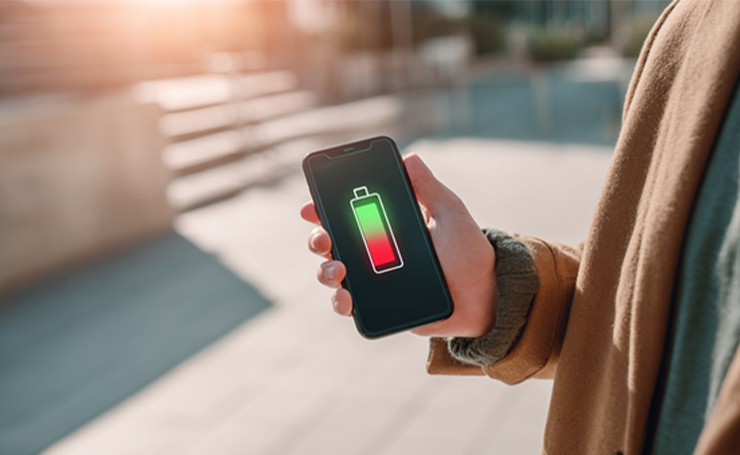
Follow Optimal Charging Habits (20–80%)
Do not let your smartphone’s battery drop to 0 and then charge it until it is 100%. The healthy charging habit is plugging your phone in when it is around 20% and unplugging it when it is around 80%. This habit maintains a stable charging circle.
Use Adaptive or Optimized Battery Charging
Most smartphones come with built-in adaptive or optimized battery charging. On Android phones, adaptive battery learns your patterns and limits background use of less-used apps. On iPhone, optimized battery delays charging past 80% until just before you need it.
Enabling these features protects your battery’s health.
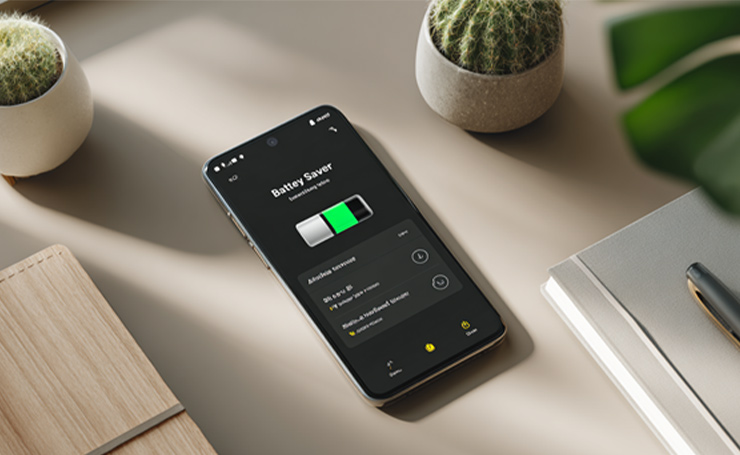
Enable Battery Saver Mode
Enabling battery saver mode when your phone’s power is running low reduces system performance. It limits background apps and automatically lowers brightness to reduce battery drain while keeping essential functions running.
Manage Background Apps and Notifications
Apps that run constantly in the background can deplete your daily battery life. Specific indicators of these apps are constant notifications and pulling and sending of data.
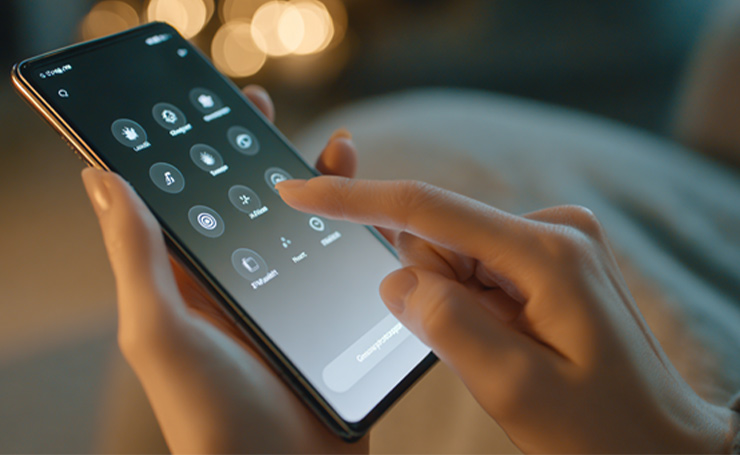
To see which apps are being troublesome, go to your phone settings and check the battery usage of each app.
Avoid Extreme Temperatures
Charging and using your phone in moderate to cool temperatures is necessary. Even short exposure to high heat can cause permanent damage to battery capacity.
Use Original Chargers and Cables
If you use cheap or uncertified chargers, you need to stop. These chargers cause inconsistent voltage flow that can speed up battery degradation. Always use the manufacturer’s recommended charger and cable for safe charging.
Use Anti-Virus to Check Malware
If you notice your phone’s battery draining suspiciously fast, it might be due to malicious programs. To protect your battery against them, download a reliable anti-virus such as Norton 360 or Bitdefender.
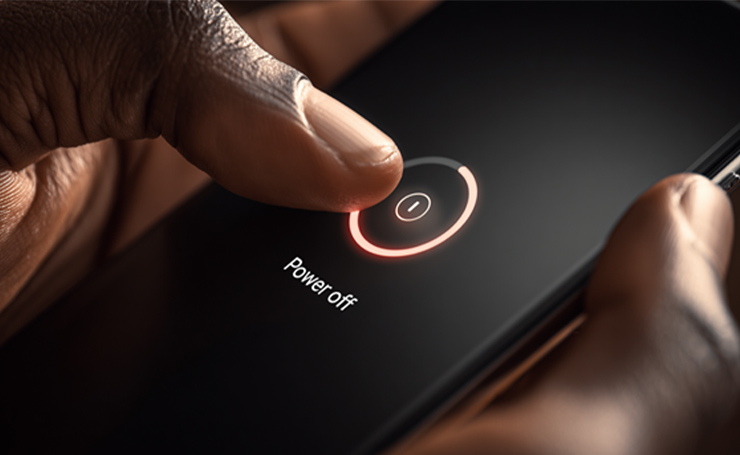
Shut your Phone Down
Turning your phone off during the parts of the day when it is not needed is a healthy practice. You can also put it on airplane mode, as it shuts down battery-draining apps while also giving you access to offline features.
Lower the Screen Brightness
The ideal is to lower the brightness as much as possible without making the screen unreadable. You can set it manually to see what works for you. Users who think it is a bit complex can choose automatic brightness adjustment.
Understanding Battery Degradation
Smartphone battery degradation is an inevitable process. The more charge cycles your battery completes, the more it starts to deplete.
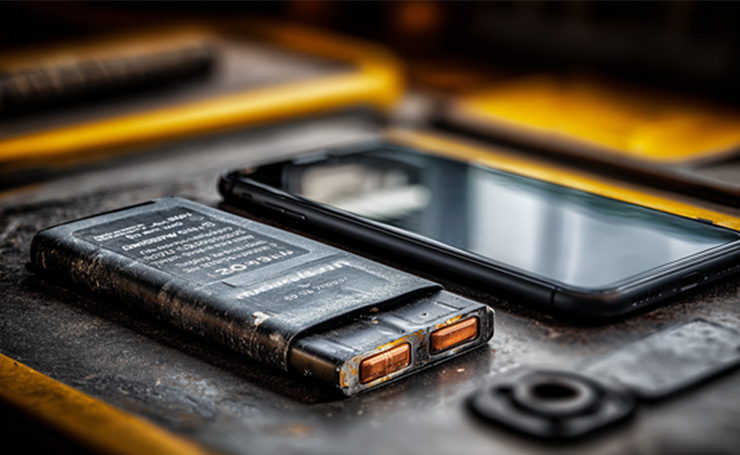
Most mobiles come with a battery health percentage. If it is above 80% after 500 charging cycles, your battery is healthy. A percentage below 80% can be an indication that you need a battery replacement soon.
When to Consider Battery Replacement
Some clear signs that you need a battery replacement include
- The phone drains quickly even after a full charge.
- It starts to overheat during charging or normal use.
- It shuts down unexpectedly and takes too long to charge.
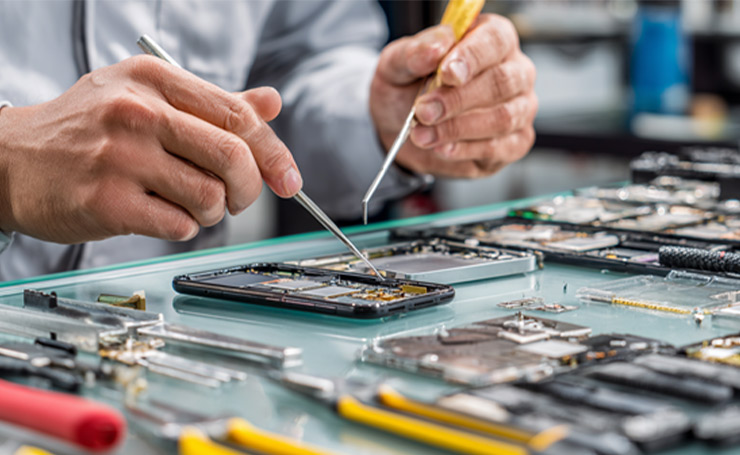
The smartphone battery replacement price depends on the phone’s brand and model. The average cost range is between $50 and $100 at official service centers. At third-party repair shops, battery replacement might cost you $30 to $80.
However, it is necessary to invest in a genuine battery to restore your phone’s performance and avoid buying a new device altogether.
How to Save Your iPhone Battery
iOS dark mode: If your iPhone has an OLED display, dark mode helps save battery. This happens because OLED screens do not use power for black pixels: they just turn them off. This is why the darker screens use less power.
In-app dark mode: You may have to turn on dark mode for certain apps, such as the ones used for reading. Other apps match your phone’s system. If your phone is in dark mode, these apps automatically turn dark too.
Battery saver apps: There are many battery saver apps that can reduce the amount of energy your phone uses. However, download apps only from the App Store and check their legitimacy. Also, look for any reports that state problems with the app.
How to Save Your Android Battery
Use of automation apps: You can use automation apps to make your phone change settings based on how you are using it. For example, they can brighten the screen when you are reading news or using social media and lower the brightness when you are doing quick tasks.
Anti-Virus apps: Another important thing is to download anti-virus apps that can secure your OS and your battery life against cyber threats.
Regardless of the phone model, it is crucial to be aware of your battery’s health. Adjusting settings is the easiest way to increase your mobile’s battery lifespan.
Final Thoughts
Knowing how your smartphone’s battery life works allows you to make smart choices. You can prolong the life of your mobile’s battery and improve its performance through the right charging habits, avoiding extreme heat, and managing background apps.
Start with small changes, like charging till 80% and enabling optimized mode, as little care can save you from costly replacements.
Interested in the latest information about technology? Feel free to visit AI Technology Tips for more comprehensive guides.
FAQs
What is the Average Smartphone Battery Lifespan before it needs Replacement?
The average smartphone battery lifespan is 2 to 3 years, depending on charging and usage habits. Most lithium-ion batteries retain 80% of capacity after 400 to 500 charge cycles. If you notice your battery draining faster, it is a sign that you need a replacement.
How can I extend my Smartphone Battery Life?
To extend your phone’s battery life, follow optimal charging habits, avoid exposing it to extreme heat, and use battery saver mode.
Is it okay to keep my Smartphone Plugged in all the Time?
Keeping your mobile plugged in all the time, especially when it reaches 100%, can generate heat and impact the lifespan of your battery. Modern phones do have protective systems. However, it is best to unplug your phone once it is charged or rely on adaptive charging.

